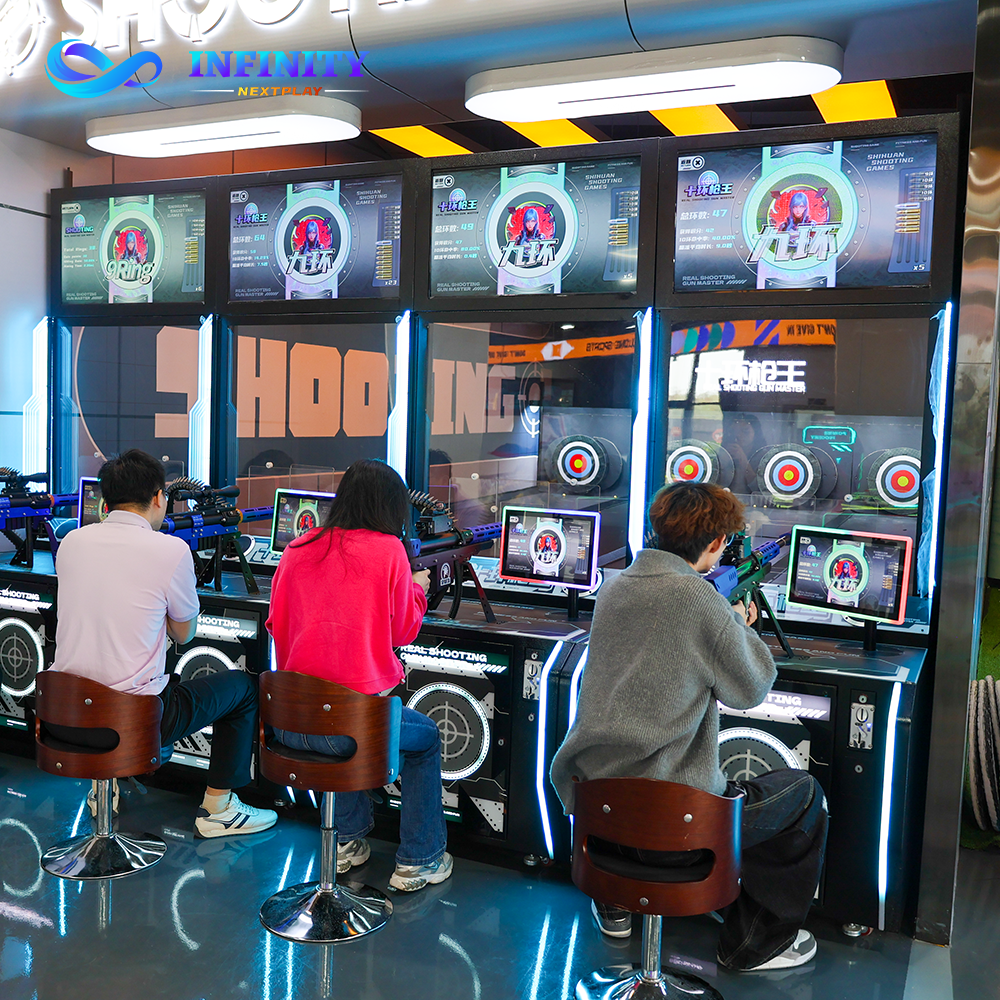
The optical shooting simulator is one of the most dependable machines NextPlay ships, yet almost every complaint is caused by the install, not the hardware. The Shooting Simulator Q4 tracks each shot with an optical camera that reads the infrared marker of the gun against the projected target, on a simple contract: the image it sees must match the image the projector creates. Break any side of that contract and shots land where the player did not aim, and the venue starts calling for service. This guide covers the five mistakes that ruin optical shooting simulator installs, in the order they happen.
None of the five is exotic: each is a shortcut taken on a busy install day, and each costs the same way - a player aims at the bull, the screen shows a miss, and the guest does not pay for a second round. The same optical principles apply to the Archery Simulator A6 bays. Venues that run the correct sequence reach tracking accuracy above 99 percent; those that skip it book service callouts in month one.
The symptom of a projection mistake is tracking drift: shots land off target, and the error grows at the edges. The root cause is a projector that does not match what the camera expects. Wrong throw distance scales hits incorrectly; keystone bends the lines the camera tracks into curves; an angled or rippled screen adds the same distortion. The fix is mechanical before digital: mount the projector at the specified throw distance, typically 3.5 to 5 meters for a 120-inch image, aim straight at the screen, keep keystone below 5 degrees, and pull the screen flat and perpendicular to the floor. A Shooting Simulator Q4 lane installed this way tracks cleanly from the first session.
The symptom of lighting interference is intermittent tracking: the lane reads fine at noon and goes missing when the spotlights come on at night. The camera watches a small zone in front of the screen, and any bright source there washes out the infrared marker. Halogen heads, reflective floor tiles that bounce light into the lens, and direct sunlight through a window all do the same damage. NextPlay measurements show tracking degrades sharply above 700 lux at the sensor plane and stays clean below 400. The fix is to control the light: dimmable fixtures on their own circuit, no bright sources in the camera field of view, matte flooring, and blinds on windows facing the screen.
The symptom of a calibration shortcut is a consistent offset: every shot lands the same distance and direction off target. Calibration maps the camera coordinates onto the projected image and can never be borrowed from the previous venue. Skipping gun calibration leaves default aim points that match no one; the wrong player height makes tall guests shoot high; moving the camera after calibration invalidates the whole map. The fix is discipline: run the full calibration with the guns that stay on the Shooting Simulator Q4 lane, set the player height to your real guest average, and lock the camera mount so any bump is visible.
The symptom of network and power problems is latency: the gun fires, the screen reacts half a second later, and scores fail to upload. The simulator streams hit data fast and is built for a wired connection. Shared flaky WiFi delays and drops frames; voltage dips on a circuit shared with compressors reset the electronics mid-session; long HDMI runs without boosters lose picture stability. A dropped frame is a lost shot, and a lost shot is a lost guest. The fix is electrical and network hygiene: a dedicated circuit, a UPS between the wall and the machine, a wired Cat6 drop on its own switch port, and HDMI boosters on runs longer than 10 meters.
The symptom of neglected space planning is not technical: the tracking works perfectly and the lane still loses money. The root cause is a room designed for a machine instead of for play. A tight enclosure leaves no room to aim and no place for an audience; a lane across a walkway means staff and guests cross the sensor beam all evening, each crossing reading as a false hit or a dropped frame; a missing safe back wall makes the screen area a hazard. The fix is layout discipline: at least 5 meters of clear depth in front of the screen, a beam running wall to wall with no door or aisle crossing it, a solid back wall, and side clearance for a small audience, because viewers become players.
The correct install sequence exists so the mistakes above cannot creep in. Run it in order and sign off each step: site survey, because the room decides the plan; a layout diagram on paper before anything is drilled; mounting in a fixed order, screen, then projector at the measured throw distance, then the locked camera; full calibration with real guns; then the acceptance test below, passed before handover. It takes three to four hours on site, and is the difference between a Shooting Simulator Q4 lane that opens the next day and one that opens after three service visits.
The pre-acceptance test catches install mistakes while the installer is still on site. Run every row under the venue own lighting, power and network, because a test in ideal conditions proves nothing.
| Test Item | How to Test | Pass Criteria |
|---|---|---|
| Tracking accuracy | Fire 20 shots at 5 targets | All within 10 mm of aim |
| Edge zones | Fire at all 4 screen corners | Drift under 15 mm at the edges |
| Lighting sweep | All lights on, repeat accuracy test | Same results with lights on |
| Latency | Fire 10 rapid shots | Screen reaction under 100 ms |
| Beam isolation | Walk staff through the lane | No false hits, no dropped frames |
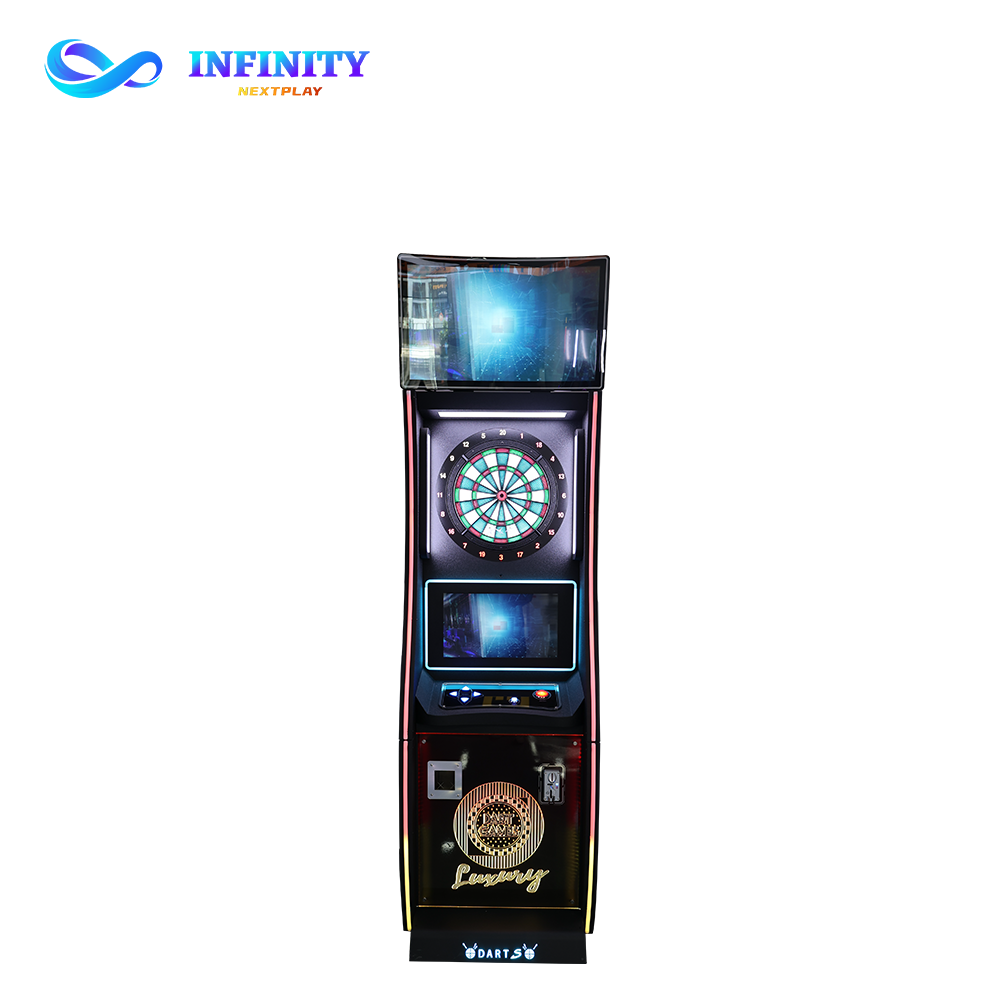
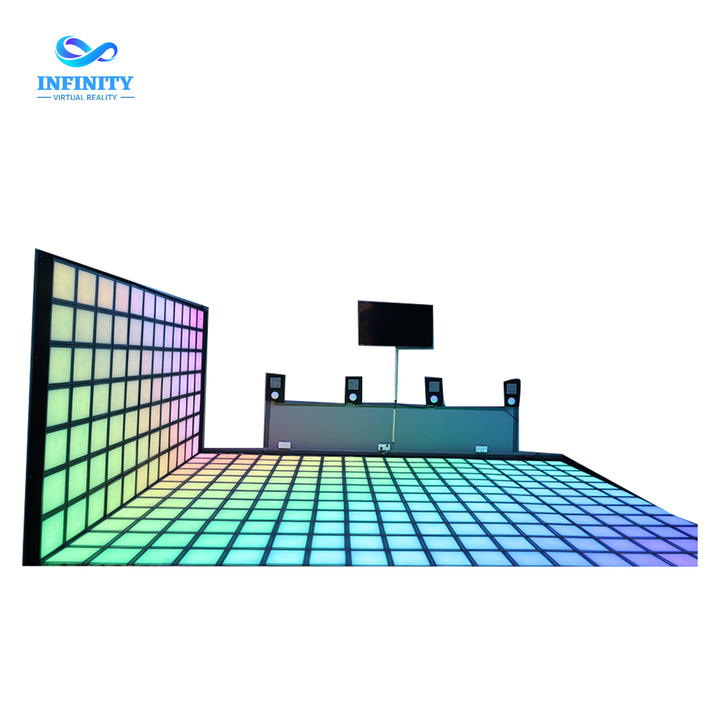
A bad install costs more than the fix, because the lane is a revenue asset from day one. A calibration callout runs $150 to $250 per visit, and most need two or three. First-month refund requests run 30 to 40 percent of the lane price in bad cases, erasing months of margin. Downtime is the hidden line: a dead lane costs $200 to $400 a day in missed tickets. Venues that run the full sequence and acceptance test reach the 6 to 9 month payback window; venues that cut corners stretch toward 14 months or more. The lane is rarely alone: venues pair it with Dart Machine X7 banks at the bar, the Infinity Grid LED Dance Floor for group challenges and the VR Thunder Motorcycle 9D at the entrance.
Plan 30 minutes: 15 for gun calibration, 5 for player height, 10 to verify tracking. The Shooting Simulator Q4 keeps its profile in memory, so a calibrated lane holds accuracy for months. Recalibrate after any bump, move or firmware update.
Keep the optical camera zone below 700 lux, ideally 200 to 400 lux of even ambient light. Above 700 lux the camera loses the infrared marker and tracking becomes intermittent. Mount spotlights outside the camera field of view, use matte flooring, and cover windows facing the screen.
Not recommended. The simulator streams hit data at a high rate and needs wired Cat6 for consistent latency; shared WiFi drops frames under load, and a dropped frame is a lost shot. Wire the lane on its own switch port, keep WiFi for guests.
Use a matte white projection surface with a gain of 1.0 to 1.3, flat and perpendicular to the floor. The floor must be matte and slip-rated: gloss tiles and polished concrete reflect light into the camera. The Shooting Simulator Q4 package includes the screen and mounts sized to your throw distance.
Each gun runs 8 to 10 hours on a full charge, covering a full operating day. Keep one spare gun or battery per lane, charge overnight, and check charge levels in the morning startup check.
Yes, always. The camera maps coordinates onto the projected image, and any move changes that map, even a small shift. Run the full 30-minute calibration after any move, bump or screen change.
Every mistake in this guide is made once, during the first hours on site, and paid for every night afterwards. Projection setup bends the tracking map, lighting blinds the camera, calibration shifts the aim, network drops the shots, and space planning empties the lane. The fix is a fixed sequence, not a fee: survey, draw, mount, calibrate with real guns, and refuse handover until the acceptance table passes. Done right, the Shooting Simulator Q4 lane opens accurate, holds accuracy for months and pays back in 6 to 9 months.
The next step is a plan, not a gamble. Ask NextPlay for a 3D CAD of your shooting lane drawn to your exact room, the full package price with installation, and a payback model built on your traffic and pricing.
Ask NextPlay for a 3D CAD of your shooting lane, the full Opti-Shot Q4 package price with installation and commissioning, and a payback model built on your traffic and pricing.